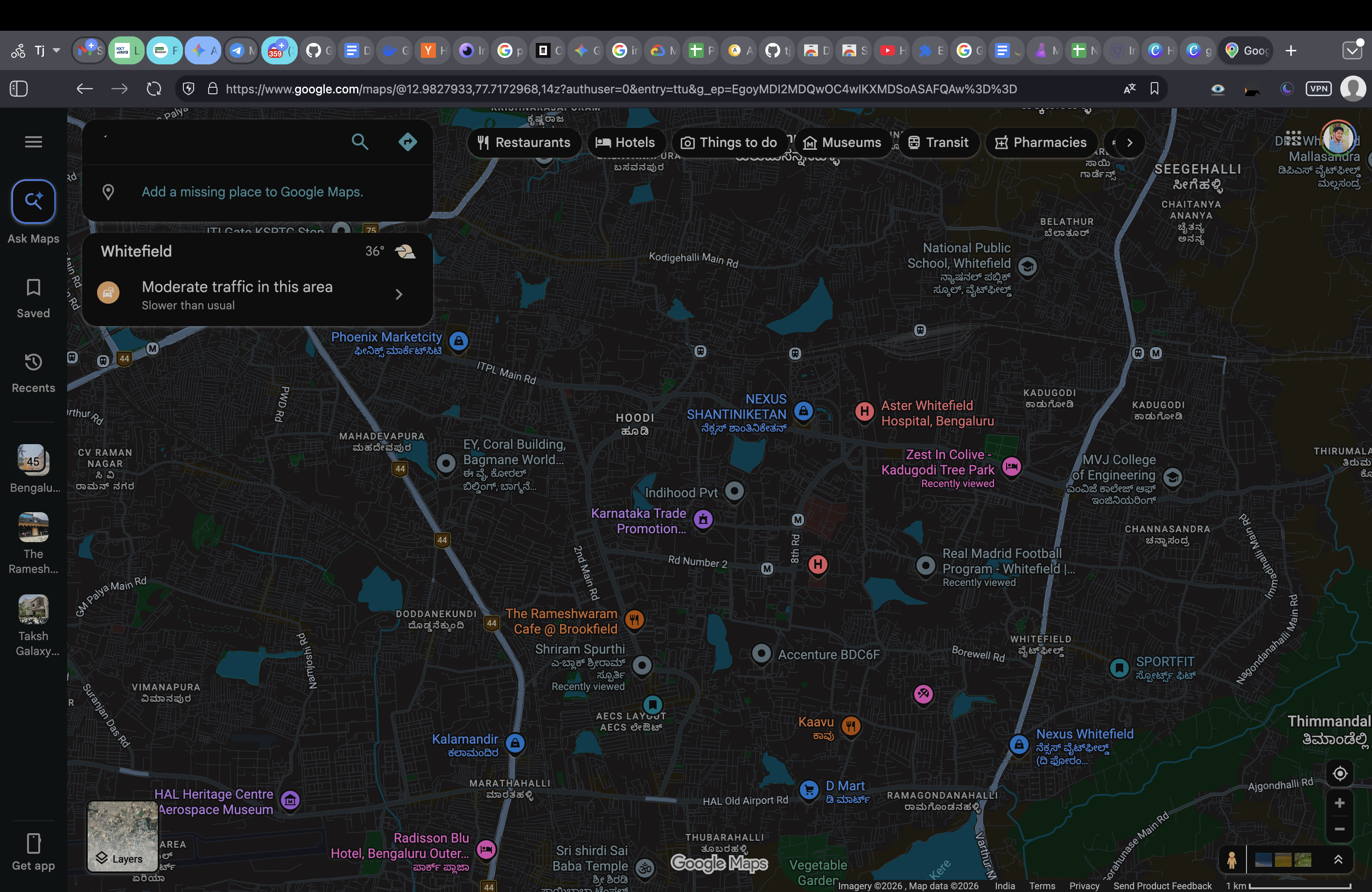
One extension. Every website. Google Sheets, Docs, and the entire web — all properly dark, with zero white flash.
White Flashes
Keyboard Shortcuts
Dark Presets
Sites Supported
What makes us different
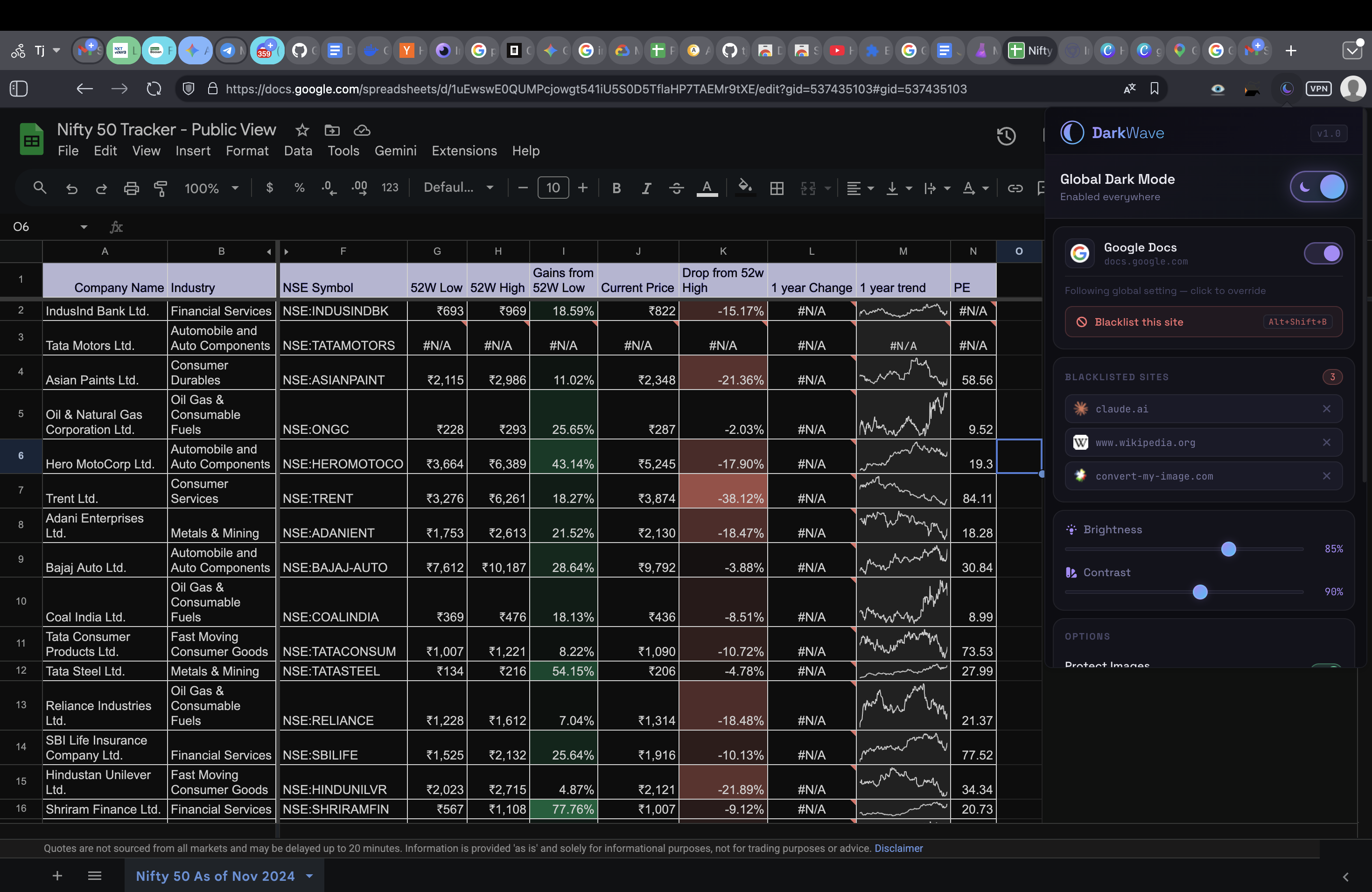
Properly darkens canvas-rendered spreadsheet cells — not just the toolbar. Works out of the box.
Injects dark mode before the page renders a single pixel. No flicker, ever. A DarkWave exclusive.
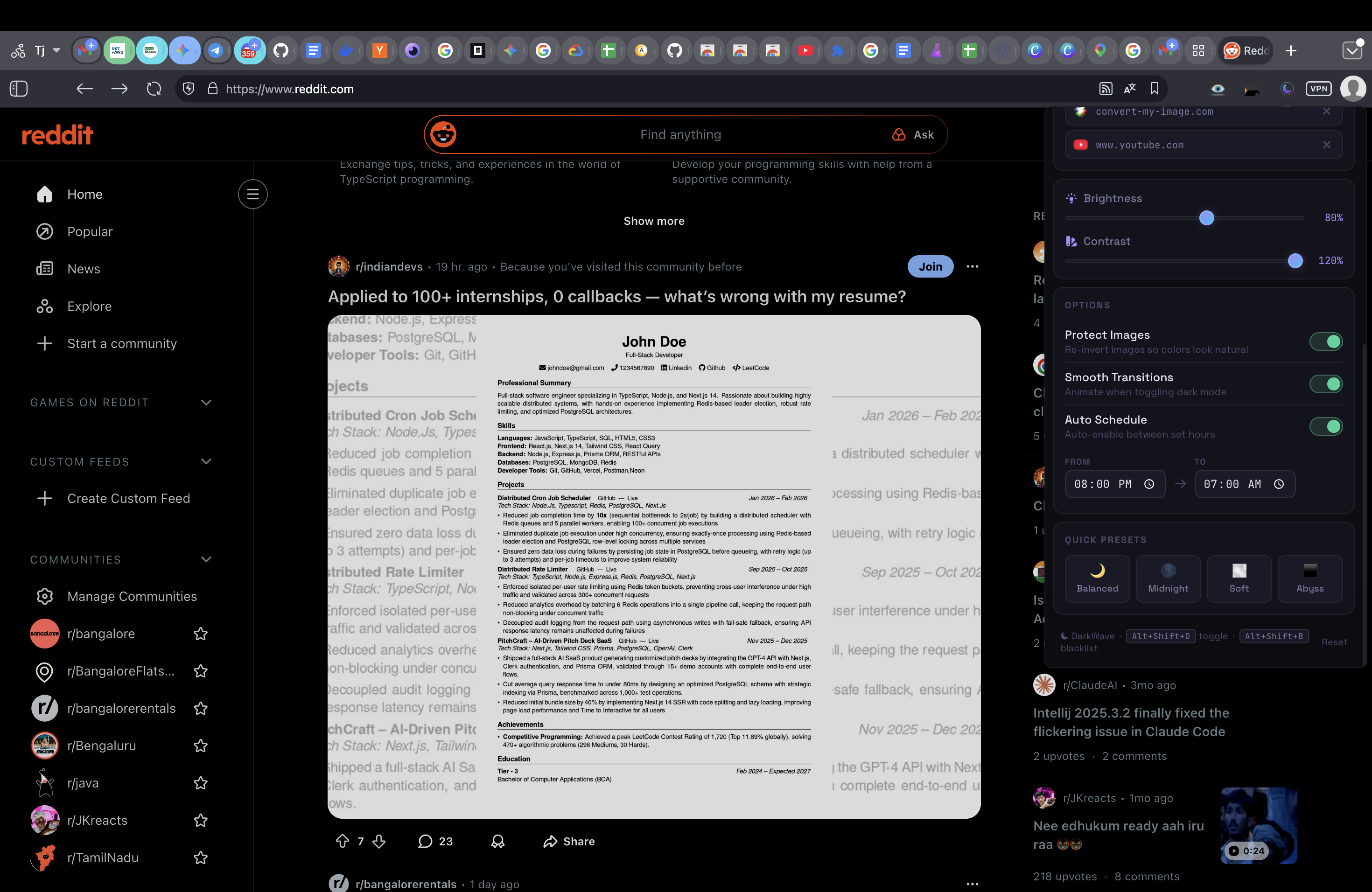
Adjust brightness, contrast, and smooth transitions. Includes auto-schedule and four quick presets.
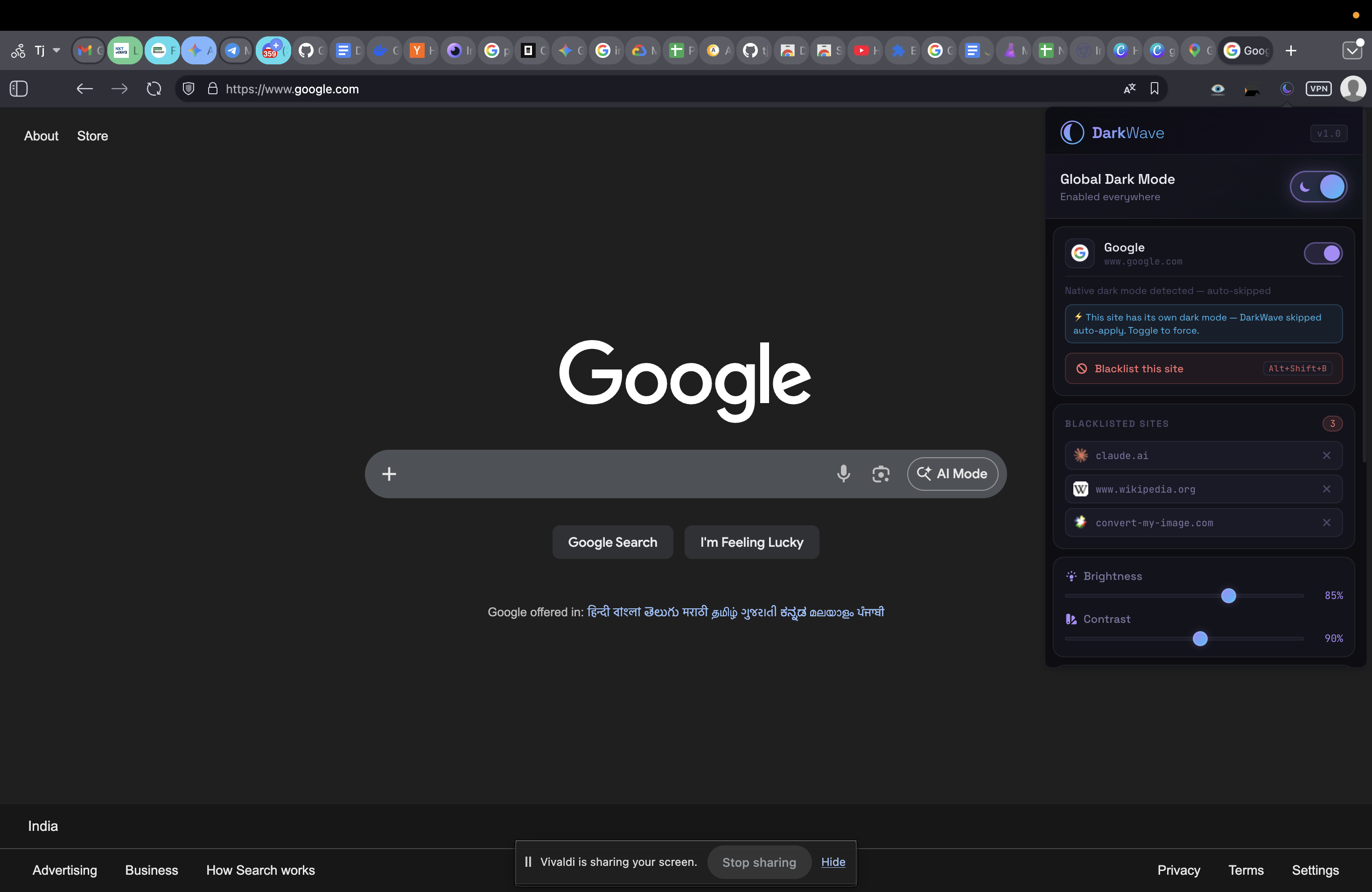
Auto-detects when a site already has dark mode and silently skips it. No double-inverting.
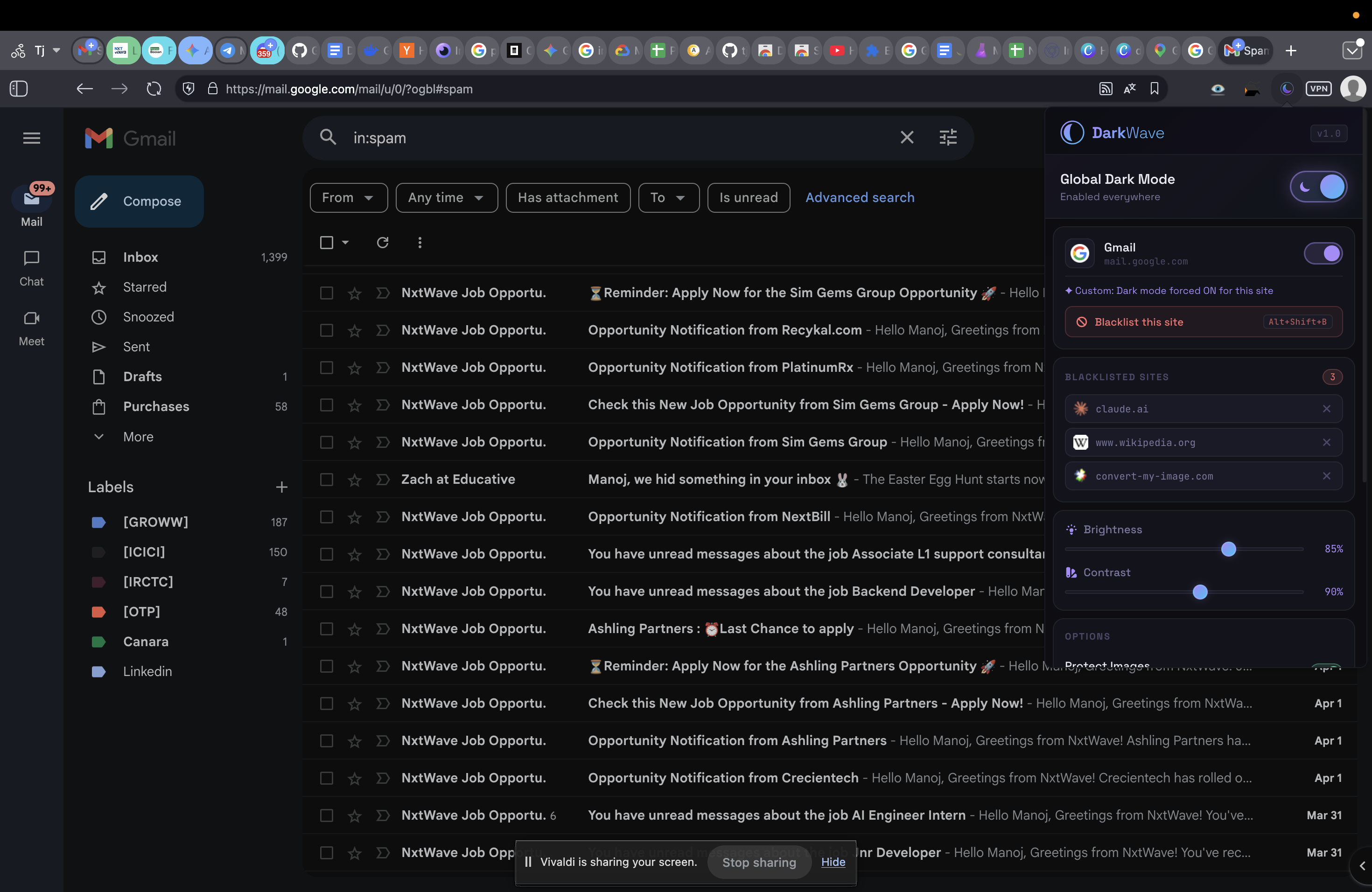
Blacklist any site with a keyboard shortcut. DarkWave will never touch it again.
Re-inverts images and videos so photos look natural — not neon-tinted or color-swapped.
In Action
Perfectly adapted for your favorite tools.
DarkWave detects if a site like GitHub or YouTube already uses dark mode and skips it to prevent double-inverting.
color-scheme meta tags
data-theme="dark" attributes
If any site looks off, blacklist it permanently in one keystroke. DarkWave will never touch it again.
Keyboard Shortcut
Or use the ✕ button in the popup blacklist panel.
Power user
Flip dark mode on/off instantly across all tabs
Permanently exclude the current site from dark mode
Compatibility
Install DarkWave in seconds. Free, private, and open-source.
Install DarkWave — It's Free