How to get dark mode in Google Docs on desktop
Docs has dark mode on phones and nothing on the web. The reason is the same one that trips up most extensions.
There is no setting, and that is not an oversight you can work around
Docs on the web ships a single light theme. Turning on dark mode in macOS or Windows changes the browser interface around the page but not the page, because Docs does not declare support for a dark colour scheme at all.
Why the page is harder than the menus
Since 2021, Google Docs draws your document into <canvas>
elements rather than laying it out as selectable HTML text. It was a rendering
change aimed at fidelity and performance, and it had a side effect: an extension can no
longer walk the document and restyle paragraphs, because from the outside the page is a
stack of images.
So an extension has two choices. Recolour what it can reach, and leave a bright white page in the middle of a dark interface. Or filter the whole page, canvas included, and accept that every colour on screen is transformed.
Setting it up
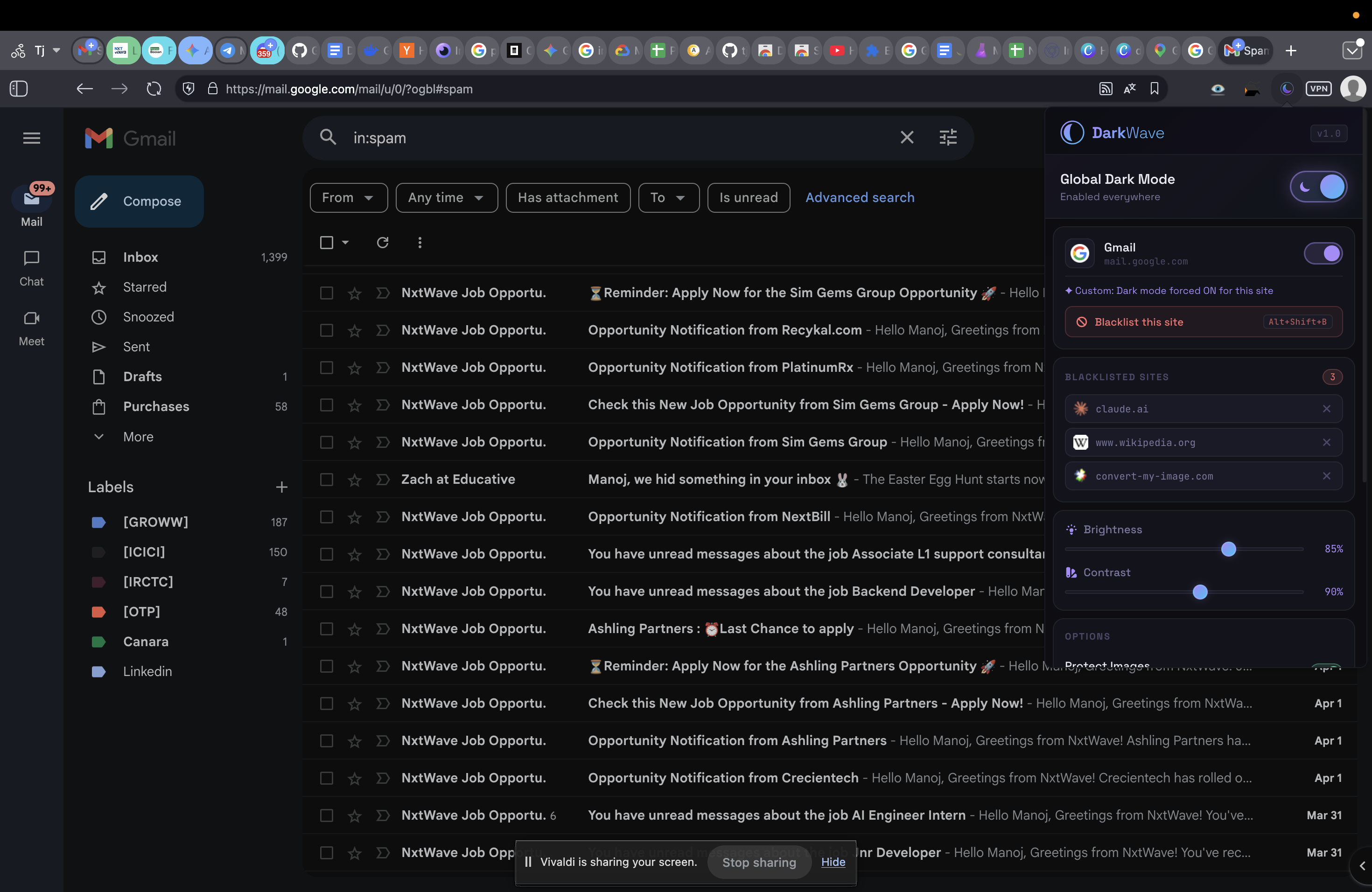
- Install DarkWave. Docs is dark immediately, page included.
- Adjust for reading. Long documents are easier at lower contrast — the Soft preset, or drop contrast to about 80% by hand.
- Exclude a document when you need true colours. Alt+Shift+B (⌥+⇧+B on a Mac) turns it off for that site and reloads clean; press again to restore.
Images in your document keep their real colours. A filter alone would render every photo as a negative. DarkWave re-inverts images and video so they look like themselves, and skips native checkboxes and other browser-drawn controls, which invert badly.
Honest limits
- Highlight colours and coloured fonts shift. Your formatting is untouched; only the display changes.
- Text rendered into a canvas is inverted wholesale, so it can look very slightly softer than native dark text. Every filter-based extension shares this, Dark Reader included.
- Chrome's
chrome://flagsauto dark mode does not reach the canvas either, and Chrome documents that flag as unsupported.
Common questions
Is there a dark mode setting in Google Docs on a computer?
No. As of August 2026 the setting exists only in the Google Docs mobile apps. There is no equivalent on the web, and switching your operating system to dark mode does not affect it.
Why does the document page stay white when the menus go dark?
Google Docs renders your document into canvas elements rather than ordinary HTML text — it moved to canvas rendering in 2021. Extensions that recolour page elements can darken the surrounding interface but have nothing to work with inside the page itself.
Does dark mode change my document for other people?
No. Nothing is written to the document. The change is purely how your own browser paints the page, so collaborators and anyone you share or export to see the document exactly as it was.
Will my highlighted text and coloured fonts look different?
Yes, slightly. A whole-page filter transforms every colour on screen, so a yellow highlight will not be the same yellow. The underlying formatting is unchanged. If a document depends on exact colours, exclude that one site with a keyboard shortcut and read it light.
DarkWave is free and open to install. It darkens Sheets, Docs and every other site you open, skips sites that already have their own dark theme, and makes no network requests at all.